

Top 5 AI Notetakers of 2026: Standout Features You Need to Know
From searchable meeting transcripts to AI dictation, these tools help professionals capture conversations and turn them into useful work
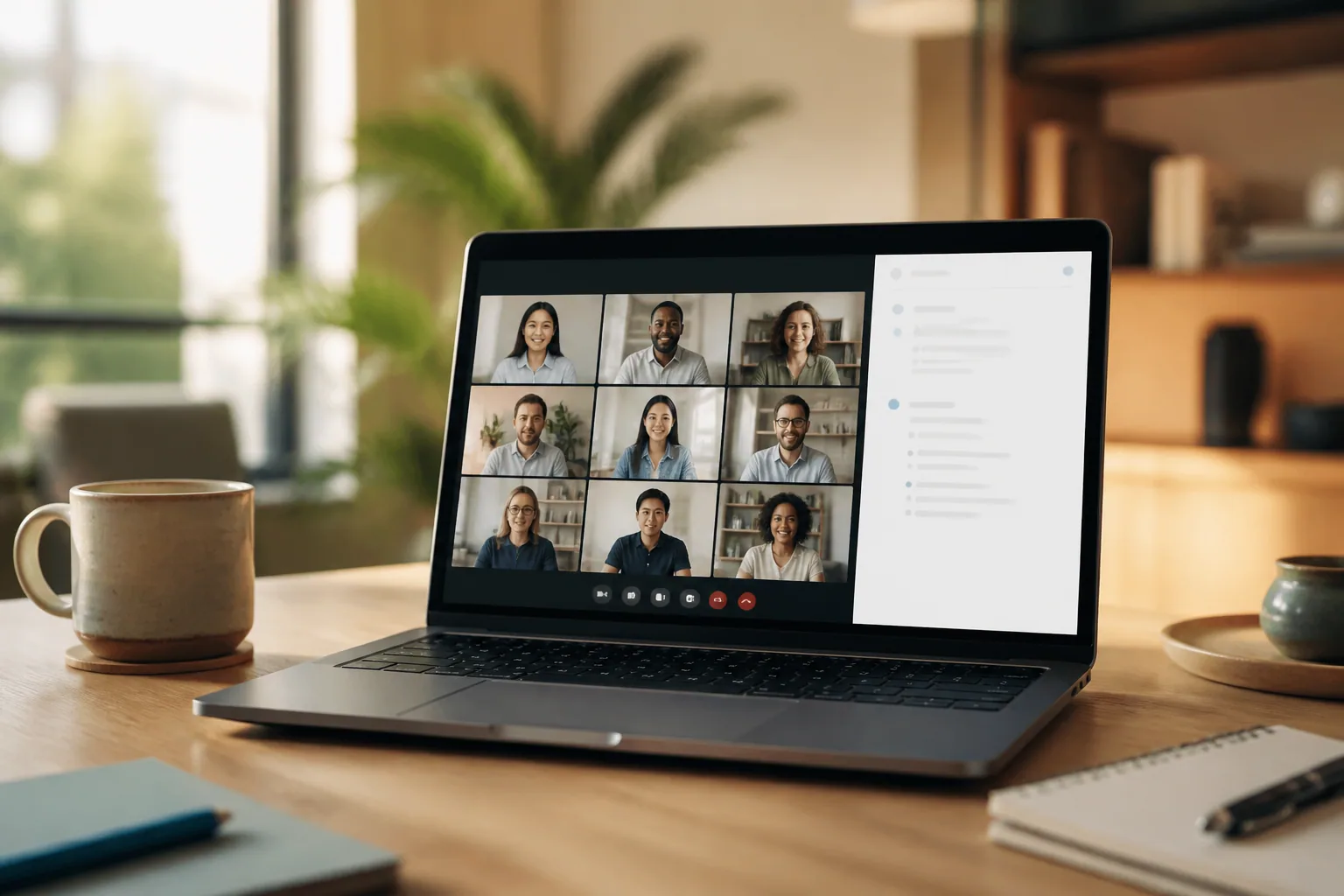
Meetings can generate valuable ideas, decisions and assignments, but capturing every important detail while participating in a discussion is difficult. Professionals often have to choose between listening attentively and writing detailed notes, only to spend additional time afterwards organising their records and preparing follow-up messages.
AI notetakers aim to make this process easier. They can transcribe conversations, produce meeting summaries, identify action items and help users retrieve information from previous discussions. Some also offer integrations with workplace software, while newer tools are expanding into AI dictation and other forms of voice-assisted writing.
The right solution depends on a person's workflow, budget, privacy requirements and preferred way of recording conversations. Here are five AI notetakers worth considering in 2026, each with a different combination of features.
1. Granola: Best for Bot-Free Meeting Notes
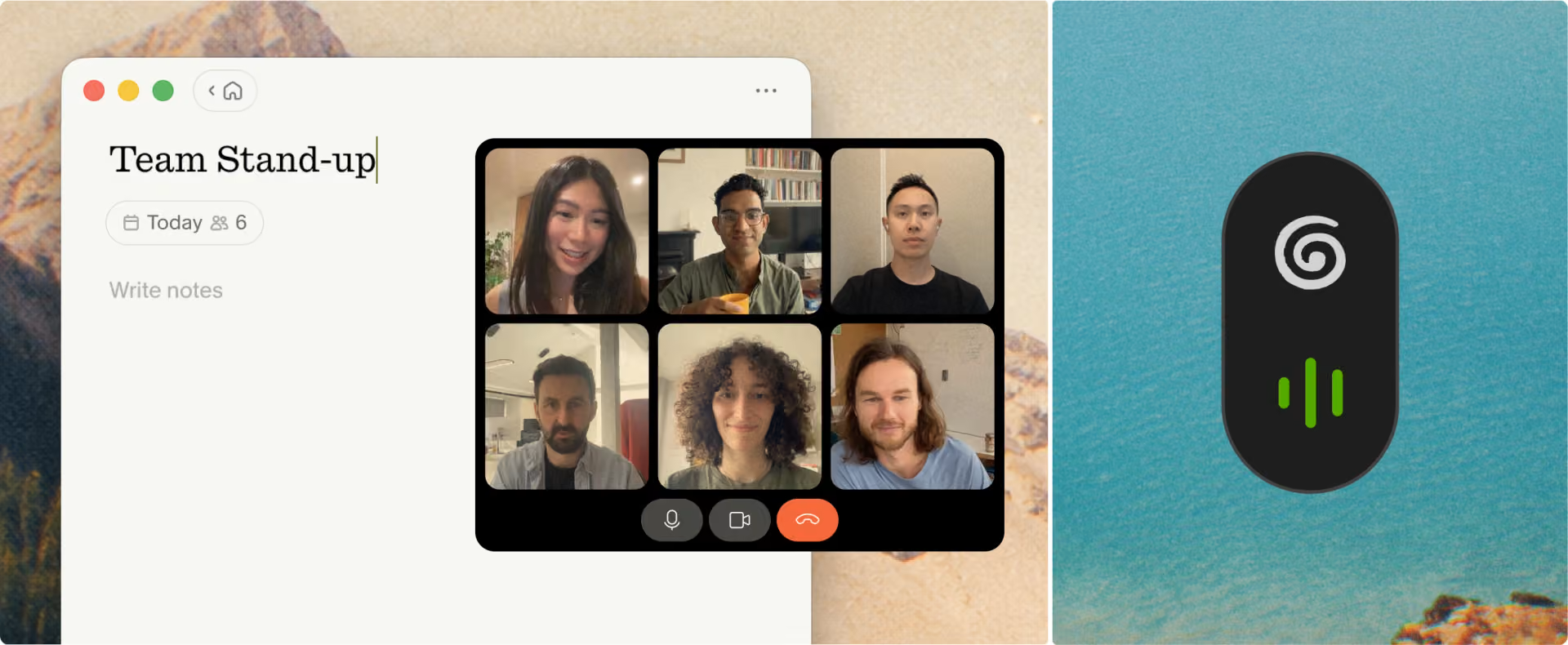
Granola takes a different approach to meeting transcription by capturing audio from a user's device rather than joining a video call as a separate meeting participant.
The tool works with platforms including Zoom, Google Meet, and Microsoft Teams. It combines the meeting transcript with notes written by the user to generate more structured records, allowing people to guide the final summary towards the information they consider important.
Granola also offers custom note templates, AI chat for retrieving information from meetings, and shared folders for collaboration. Its paid plans add features such as extended meeting history, advanced integrations, and access to more advanced AI models.
This approach may appeal to professionals who prefer not to have a visible transcription bot join client calls or internal discussions. It is also useful for people who want to supplement automated transcription with their own observations rather than rely entirely on an AI-generated meeting summary.
Best for: Professionals who want bot-free meeting capture and greater control over their notes.
Consideration: Users who need extensive meeting history or advanced integrations may need a paid plan. As with any recording tool, they should also consider workplace policies and participant consent requirements.
2. Fireflies.ai: Best for Meeting Search and Team Workflows
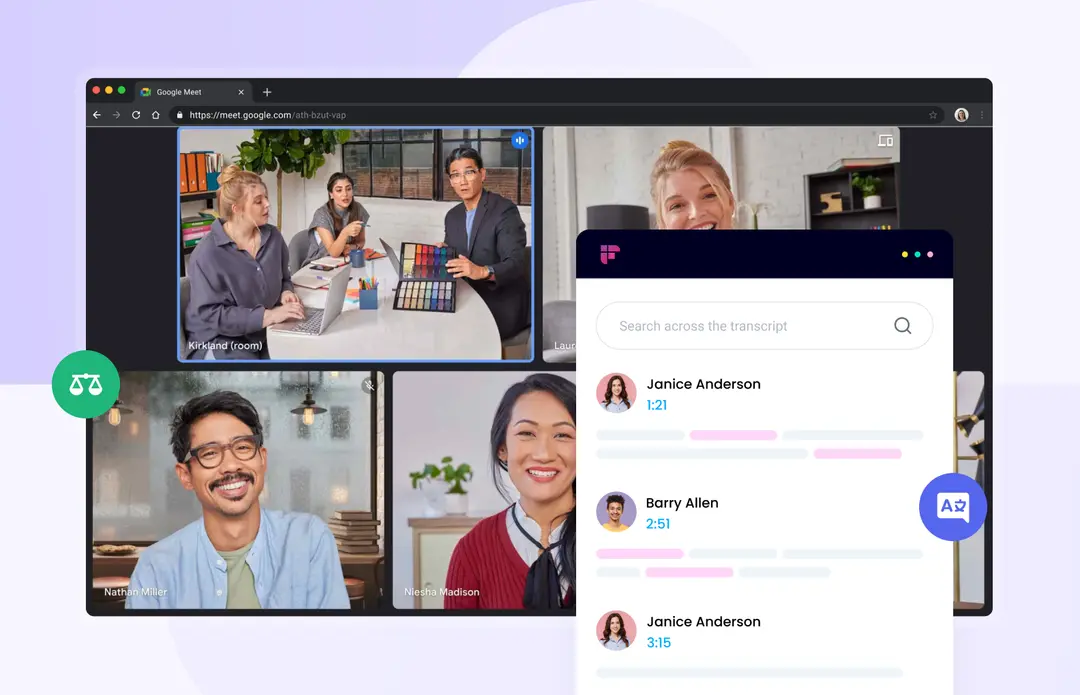
Fireflies.ai is an AI meeting assistant designed to help individuals and teams capture conversations and make the resulting information easier to use.
It offers transcription, AI-generated meeting summaries, searchable conversations and tools for identifying important topics and action items. Its AskFred assistant allows users to ask questions about meeting content, helping them retrieve information without having to search through an entire transcript manually.
Fireflies also supports integrations with workplace tools, including CRM platforms and collaboration applications. These connections can help teams transfer meeting information into their existing processes rather than keeping it isolated in a separate note-taking application.
This AI meeting assistant offers a free plan with transcription, meeting search, and other core features. However, storage is limited to 400 minutes per team, AI summaries are restricted, and certain advanced functions use AI credits. Paid plans offer expanded storage and access to additional capabilities. Users should check the current plan details to understand which features and usage limits apply.
For sales teams, recruiters, and managers who handle frequent conversations, the ability to search previous meetings and organise the resulting information can be especially useful.
Best for: Teams that want searchable meeting records, conversation insights and workflow integrations.
Consideration: Some advanced AI features use a separate credit system, so users should check which functions are included in their chosen plan before committing.
3. Laxis: Best for Combining Meeting Notes and AI Dictation
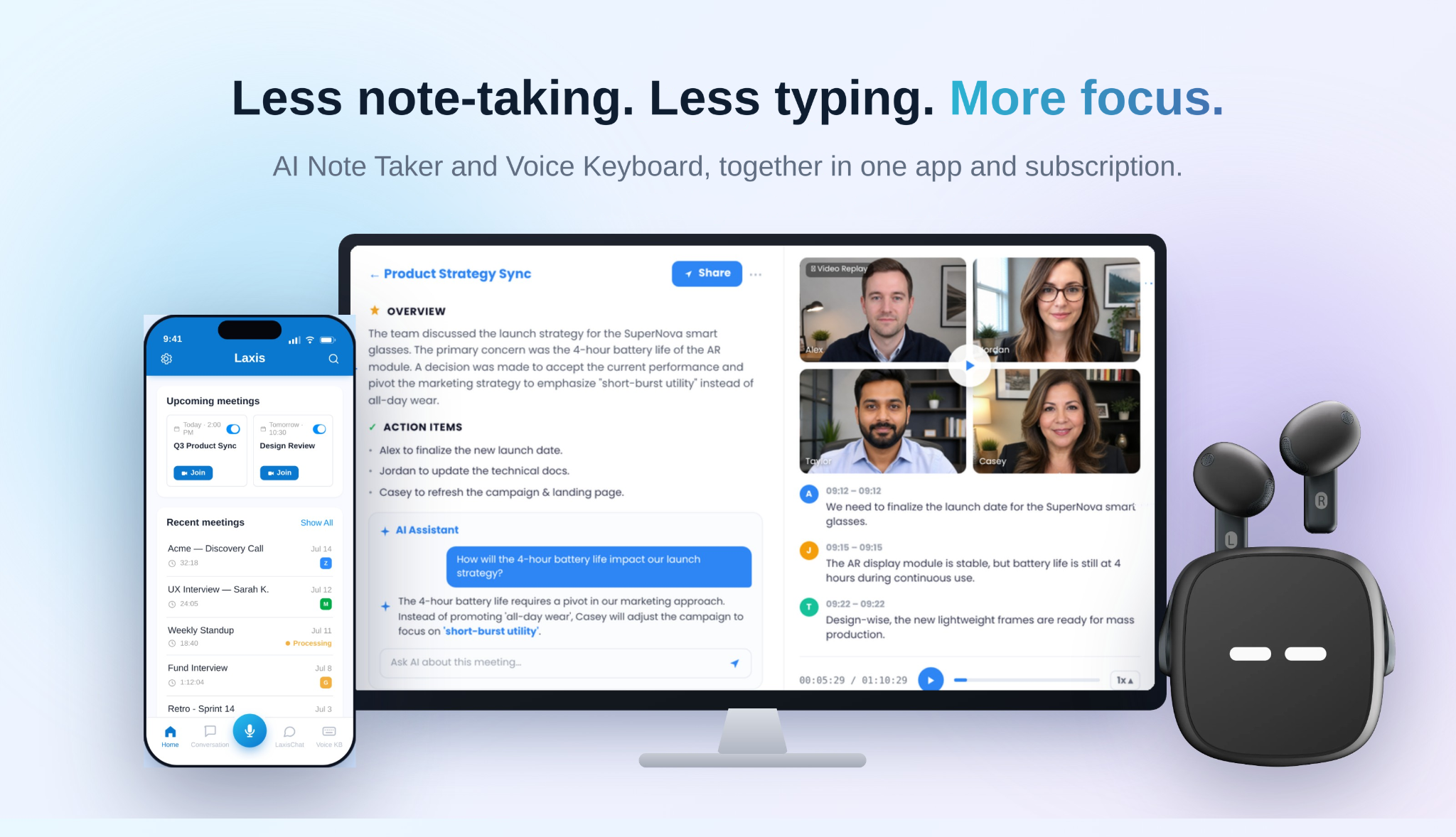
Laxis combines an AI Note Taker and an AI Voice Keyboard in one app and subscription. Rather than focusing solely on meeting documentation, it also helps users turn spoken ideas into written content across the applications they already use.
Its AI Meeting Assistant captures conversations and produces searchable transcripts, meeting summaries, action items, and key discussion points. Users can review previous conversations and retrieve information without having to rely entirely on memory or manually scan long recordings.
Laxis supports different ways of capturing conversations, including bot-free desktop recording, an optional meeting assistant bot, and file uploads. It can be used with major meeting platforms, including Zoom, Google Meet, and Microsoft Teams, and also supports the transcription of in-person conversations. Optional compatible recording devices provide additional ways to capture audio in a wider range of settings.
Another distinguishing feature is its AI Voice Keyboard. Users can speak instead of typing, with the tool designed to turn spoken input into polished text. Its verbal-cleanup capabilities can remove filler words and repetitions, making it useful for drafting emails, messages, and documents.
The combination addresses two related productivity challenges: remembering what happened during a conversation and turning ideas into written work afterwards. Rather than switching between a meeting note taker and a separate dictation tool, users can access both capabilities through Laxis.
The platform also offers integrations and features for teams that want to connect meeting outcomes with their existing workflows. Depending on the plan, these can include CRM automation, broader app integrations, and additional AI writing capabilities.
Laxis offers a free Basic plan, with paid options for users who need higher transcription limits, extended conversation history, or more advanced features. Prospective users should compare the current plans against their expected meeting volume and dictation needs.
Best for: Professionals who want meeting transcription, actionable summaries, and AI dictation in one subscription.
Consideration: The value of combining both tools depends on how frequently users need each function. Those who only require occasional meeting summaries may not need the full range of capabilities available on paid plans.
For professionals who need both meeting documentation and voice-powered writing, Laxis brings the two capabilities together in one app and subscription.
Explore the platform through the Laxis website, learn more about its AI Meeting Assistant, or discover its AI Dictation tool. Users interested in hardware-assisted recording can also review its AI recording devices.
4. Fathom: Best for Straightforward Meeting Summaries
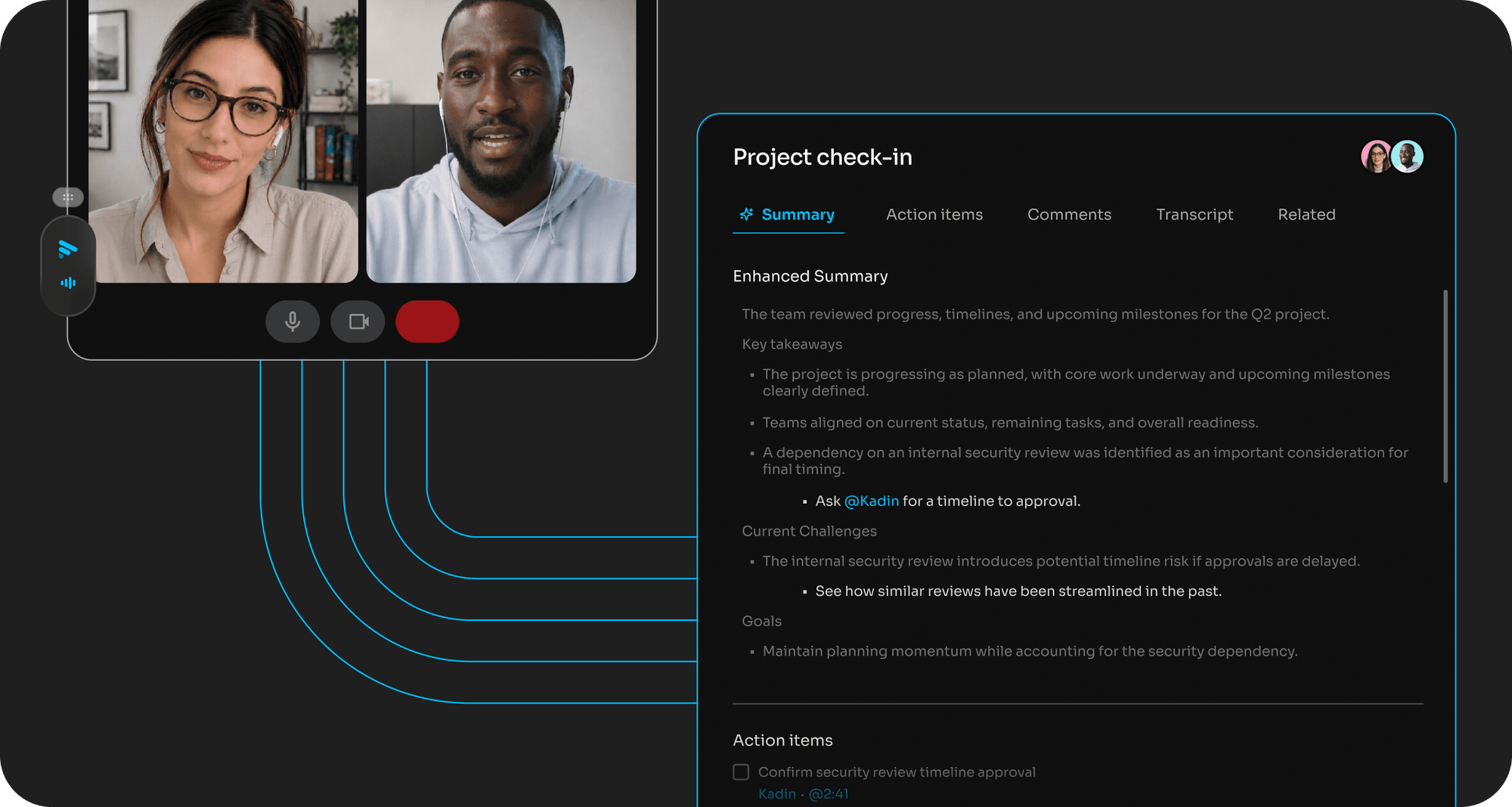
Fathom focuses on making it easier to record meetings, review important moments, and share useful information afterwards.
The platform offers meeting recording, transcription, AI-generated summaries, and tools for identifying action items. Users can also create clips from meetings, making it easier to share specific sections of a conversation instead of asking colleagues to review an entire recording.
Fathom supports popular video-conferencing platforms, including Zoom, Google Meet, and Microsoft Teams. Its CRM integrations can also help users transfer relevant meeting information into sales workflows.
One of its attractions is its free offering, which includes unlimited recordings and transcription. However, access to advanced AI summaries and additional functions is subject to plan-specific limits. Users who rely on customised summaries, AI follow-up emails, or other advanced features should check the current pricing and feature comparison before choosing a plan.
For individuals who want a relatively straightforward way to capture meetings and retrieve their main points, Fathom provides a practical starting point. Teams can also consider its paid plans for collaboration and additional administrative capabilities.
Best for: Individuals and teams seeking meeting summaries, recordings, and shareable highlights.
Consideration: The free plan limits access to some advanced AI features, so frequent users may need to upgrade to maintain access to their preferred summaries and workflows.
5. Otter.ai: Best for Live Transcription and Collaborative Notes
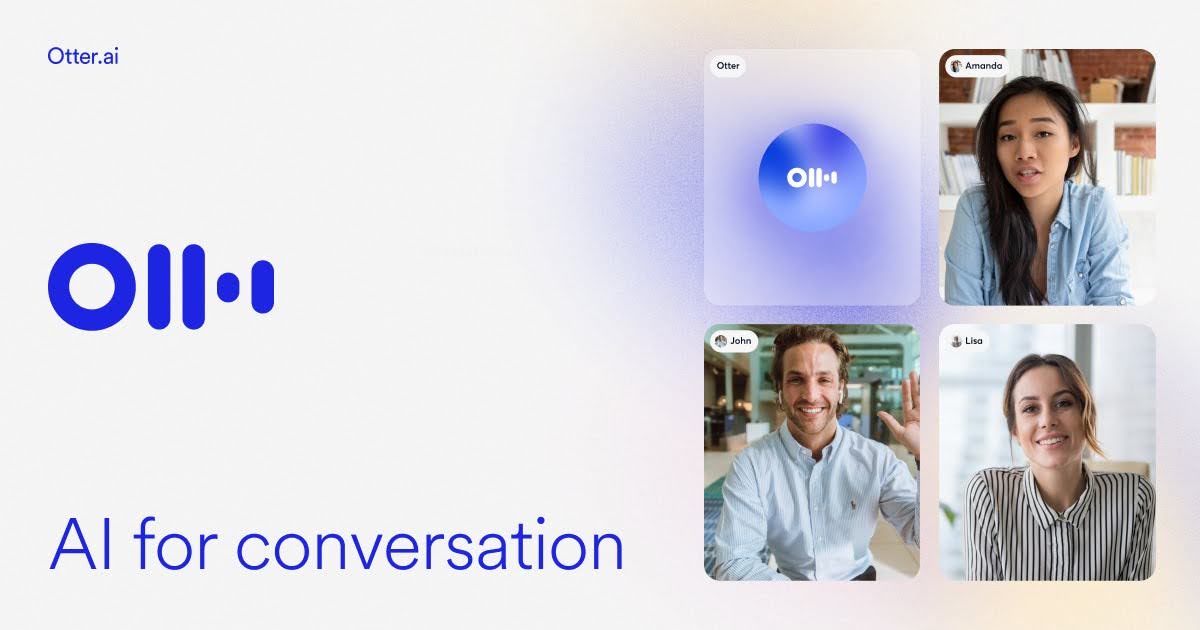
Otter.ai is an established AI note taker that focuses on live transcription, meeting summaries, and collaboration.
It can connect to calendars and capture meetings on platforms such as Zoom, Microsoft Teams, and Google Meet. Its live transcript allows participants to follow conversations as they happen, while speaker identification helps distinguish contributions from different people.
After a meeting, Otter.ai can generate summaries and action items. Team members can review transcripts, add comments, and highlight important information, making the platform useful for people who need a shared record of discussions.
Otter.ai also offers AI chat and search capabilities that help users retrieve details from meeting records. Its paid plans provide additional transcription capacity, longer recordings, expanded imports, and more advanced collaboration features.
The service may be particularly useful for professionals who value live transcription and want to revisit the exact wording of a conversation. It can also support teams that need a central record of decisions and discussion points.
Best for: Users who prioritise live transcription, speaker identification and collaborative meeting records.
Consideration: Transcription limits, maximum recording lengths and file-import allowances vary by plan. Users with long meetings or frequent recordings should check these restrictions before relying on a particular subscription.
How to Choose the Right AI Notetaker
The best AI note taker is not necessarily the one with the longest feature list. It is the one that fits the way a person works and makes the information captured during conversations easier to use.
Before choosing a platform, consider these factors:
- Transcription and meeting summaries: Check whether the tool captures conversations accurately enough for your needs and whether its summaries preserve important decisions and context.
- Action items and follow-ups: Look for features that help turn meeting notes into clear next steps, particularly if you manage projects or client relationships.
- Recording options: Determine whether the tool uses a visible meeting bot, captures device audio, or supports file uploads. For in-person conversations, check whether mobile recording is available.
- Integrations: Consider whether the platform connects with your calendar, CRM, messaging applications, and other tools you already use.
- AI dictation: If you also spend considerable time writing emails, reports, and messages, a tool that converts speech into polished text may offer value beyond meeting transcription.
- Pricing and usage limits: Compare free-plan allowances, transcription minutes, recording lengths, storage, and access to advanced AI functions.
- Privacy and consent: Review the provider's data policies and your organisation's recording rules. Tell participants when required and avoid recording sensitive discussions without appropriate authorisation.
The Bottom Line
AI notetakers can reduce the administrative work associated with meetings, but their usefulness depends on what happens after a conversation ends. A searchable transcript is helpful; a clear summary with decisions and next steps can be even more valuable.
Granola is worth considering for bot-free note-taking, while Fireflies.ai offers extensive meeting search and team workflow features. Laxis stands out for combining meeting documentation with AI dictation, Fathom provides a straightforward approach to meeting summaries, and Otter.ai focuses on live transcription and collaborative records.
For professionals who want to spend less time typing and more time listening, thinking, and following through, the best choice is the tool that turns conversations into information they can readily act on.
© Copyright IBTimes 2026. All rights reserved.