

Top 3 QuickBooks Repair Tools to Fix Corrupt QuickBooks Files in 2026
From QuickBooks' built-in File Doctor to dedicated recovery software, these tools offer different ways to deal with damaged QuickBooks Desktop files

A corrupted QuickBooks company file can turn an otherwise routine accounting task into a serious problem. Instead of opening normally, a company file may trigger an error message, refuse to load, display missing information, or prevent users from accessing important financial records.
For businesses that rely on QuickBooks Desktop, the company file is particularly important because it can contain years of transactions, customer and vendor records, employee information, reports, and other accounting data.
When something goes wrong, the priority is not simply getting QuickBooks running again; it is protecting the underlying financial information.
Fortunately, there are several tools that can help diagnose or repair QuickBooks Desktop problems. Some are built into Intuit's own support ecosystem, while others take a more specialised approach to recovering information from damaged files.
Here are three QuickBooks repair tools worth considering in 2026.
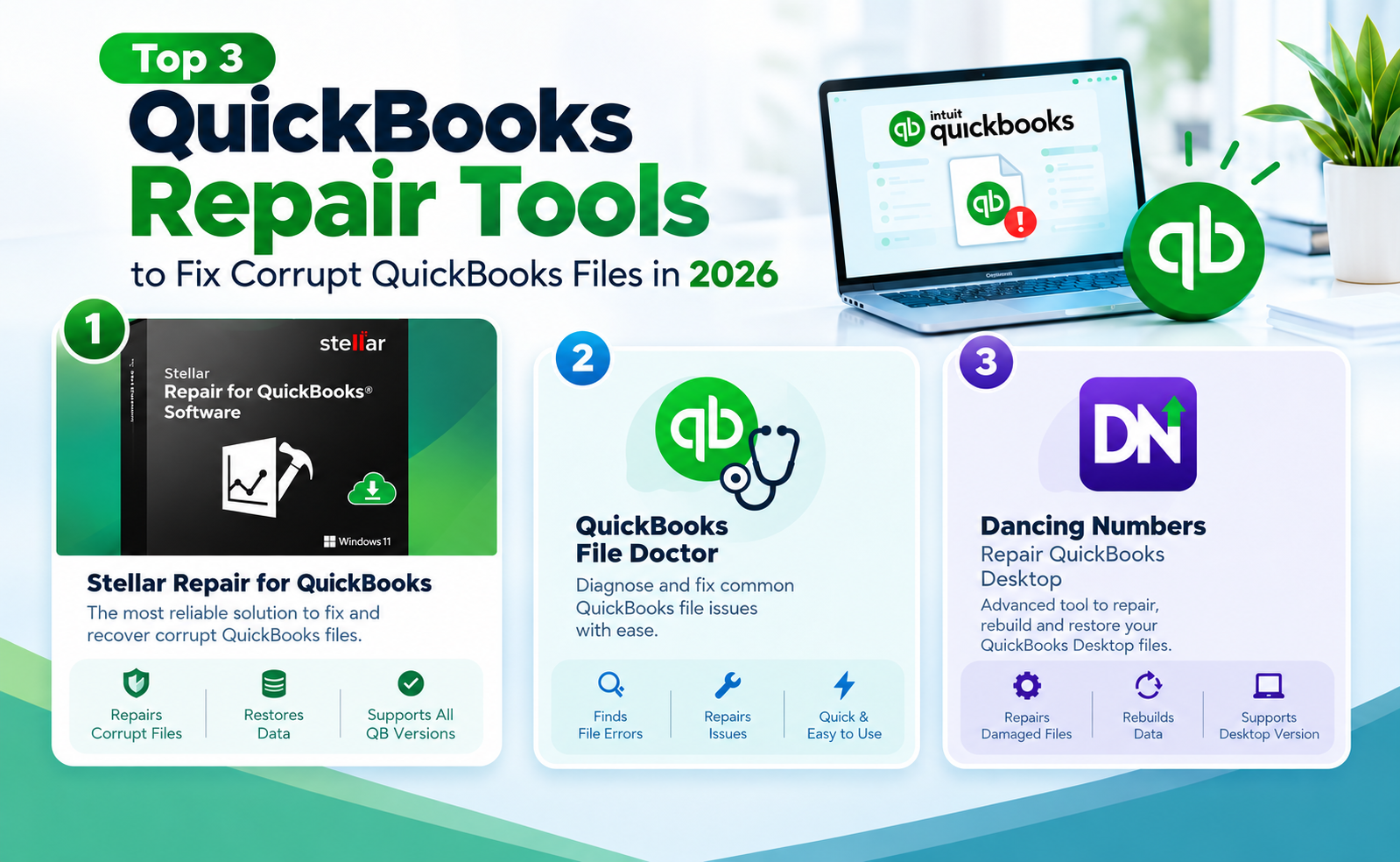
1. Stellar Repair for QuickBooks
For users dealing specifically with a damaged or inaccessible QBW file, Stellar Repair for QuickBooks takes a dedicated file-recovery approach.
The software is designed to repair corrupt or damaged QuickBooks company files and recover data from them. According to Stellar, it can recover information relating to companies, customers, vendors, and employees, along with transactions and other QuickBooks data. It also supports recovery from QuickBooks backup files in the QBB format.
One feature that distinguishes the software from basic troubleshooting utilities is its preview function. After scanning a damaged QBW file, the software can display the recoverable data before users save the repaired file. This gives users an opportunity to inspect what the software has found rather than immediately replacing or modifying the original company file.
Stellar also says the software does not modify the original QBW file during the repair process, with recovered information saved into a new file.
The software supports QuickBooks Pro, Premier, and Enterprise editions, and Stellar currently lists compatibility with QuickBooks versions from 2007 through 2024. It also supports several international editions, including the UK, US, Canadian, Australian, and other country versions.
What makes it stand out?
The main advantage of Stellar Repair for QuickBooks is its focus on QuickBooks file recovery rather than general application troubleshooting. That makes it particularly relevant when the problem appears to be corruption or damage inside the company file itself.
The software is also positioned for more serious corruption scenarios where conventional QuickBooks utilities may not recover all of the required data.
For users searching specifically for QBW repair, QuickBooks file repair, or dedicated QuickBooks recovery software, this makes Stellar one of the more specialised options in this list.
Best for: Users who need dedicated recovery software for a damaged QBW file and want to preview recoverable data before saving it.
2. QuickBooks File Doctor
If you would rather start with an official QuickBooks troubleshooting utility, QuickBooks File Doctor remains an important option.
File Doctor is part of Intuit's QuickBooks Tool Hub, which provides several utilities for diagnosing common QuickBooks Desktop problems. The current QuickBooks support documentation recommends using the Tool Hub's Company File Issues section to access File Doctor.
The tool can be useful when a company file will not open or when users encounter certain company-file and network-related errors. Intuit specifically lists issues including several 6000-series errors, missing or blank customer, vendor, or employee lists, and other company-file problems among the situations where File Doctor can be used.
Using it involves closing QuickBooks, opening the QuickBooks Tool Hub, and selecting Company File Issues before launching File Doctor. Users then select the affected company file, choose the appropriate checking option, and enter their QuickBooks administrator password.
The scan can take several minutes depending on the size of the company file. Intuit notes that File Doctor can sometimes report that a scan was unsuccessful even when it has resolved the underlying issue.
What makes it stand out?
The biggest advantage of File Doctor is that it is part of Intuit's own QuickBooks troubleshooting environment. Users do not necessarily need to purchase a separate third-party recovery application before trying it.
It is therefore a sensible first step for common company file problems, particularly when the issue may involve file access, networking, or relatively straightforward data problems.
However, it should not be viewed as a universal solution for every form of corruption. If a severely damaged QBW file remains inaccessible after using File Doctor and other standard QuickBooks troubleshooting methods, users may need to consider other recovery options.
Best for: QuickBooks Desktop users who want to try Intuit's own troubleshooting tools before turning to dedicated third-party recovery software.
QuickBooks File Doctor via QuickBooks Tool Hub
3. Dancing Numbers – Repair QuickBooks Desktop
Dancing Numbers takes a somewhat different approach to QuickBooks repair.
Rather than being positioned solely as a dedicated QBW recovery program, Dancing Numbers provides a broader set of QuickBooks Desktop tools and support resources. Its documentation covers issues involving damaged company files, application problems, company-file access, data damage, and common QuickBooks Desktop errors.
For example, Dancing Numbers' guidance for repairing QuickBooks Desktop addresses problems with the QuickBooks application itself, while its troubleshooting resources also cover company-file errors and data-damage scenarios.
This makes it useful for users who are not yet certain whether the problem lies inside the QBW file or with the wider QuickBooks Desktop installation, configuration, or environment.
The platform also provides QuickBooks Desktop data-management capabilities, including import, export, and other data-transfer functions, alongside its troubleshooting and support resources.
What makes it stand out?
Dancing Numbers is best viewed as a broader QuickBooks Desktop troubleshooting and data-management option rather than a direct equivalent of a specialised QBW recovery program.
If the problem is a severely corrupted company file and the primary goal is recovering as much data as possible from that file, dedicated recovery software may be more appropriate. If the problem involves the QuickBooks Desktop application, configuration, or a wider set of accounting-software issues, Dancing Numbers provides a broader toolbox to work from.
Best for: QuickBooks Desktop users looking for broader troubleshooting, repair guidance, and data-management tools rather than a dedicated QBW recovery application.
Dancing Numbers QuickBooks Desktop Support
Which QuickBooks Repair Tool Should You Choose?
The right option depends largely on the type and severity of the problem.
If QuickBooks Desktop is showing a common company-file or networking error, QuickBooks File Doctor is a logical starting point because it is available through Intuit's official Tool Hub.
If the central problem is a damaged or inaccessible QBW file and standard troubleshooting has not worked, Stellar Repair for QuickBooks offers a more specialised recovery approach. Its ability to preview recoverable information before saving is particularly relevant when the integrity of financial records is the main concern.
Meanwhile, Dancing Numbers makes more sense for users who need broader QuickBooks Desktop troubleshooting and data-management capabilities rather than a tool focused exclusively on recovering corrupt QBW files.
It is also worth remembering that a "repair" tool cannot guarantee recovery from every form of data corruption. Before attempting any repair, users should preserve an existing backup where possible and avoid repeatedly modifying the original damaged company file.
What Causes QuickBooks Files to Become Corrupted?
QuickBooks company files can become damaged for a variety of reasons. Unexpected shutdowns, system problems, network issues, storage problems, and other technical failures can interfere with access to company-file data.
The symptoms can vary considerably. A user may suddenly be unable to open the company file, encounter a 6000-series error, find that certain lists or records are missing, or experience crashes while working with the file.
That is why identifying the underlying problem matters before choosing a QuickBooks repair tool. A networking problem and genuine QBW corruption may produce similarly frustrating symptoms but require different solutions.
For businesses with important financial records, regular backups remain one of the most important safeguards. Repair software should be regarded as a recovery option when something has gone wrong, rather than a substitute for maintaining reliable backups.
The Bottom Line
A damaged QuickBooks company file does not necessarily mean that valuable accounting data has been lost, but the right response depends on what is actually causing the problem.
QuickBooks File Doctor is a useful first-line option for common company-file and network issues through the official QuickBooks Tool Hub. Dancing Numbers provides a broader set of QuickBooks Desktop troubleshooting and data-management resources.
For users specifically looking for dedicated QuickBooks file repair, QBW file repair, or QuickBooks data recovery software, Stellar Repair for QuickBooks offers a more specialised approach, including a preview of recoverable data before saving.
Ultimately, the best QuickBooks repair tool is the one that matches the nature of the problem. For minor errors, built-in utilities may be enough. For more serious file corruption, a dedicated recovery solution can provide another route to retrieving important financial information.
© Copyright IBTimes 2026. All rights reserved.