

You Can Now Change Your Embarrassing Gmail Address — Tips To Do It Safely
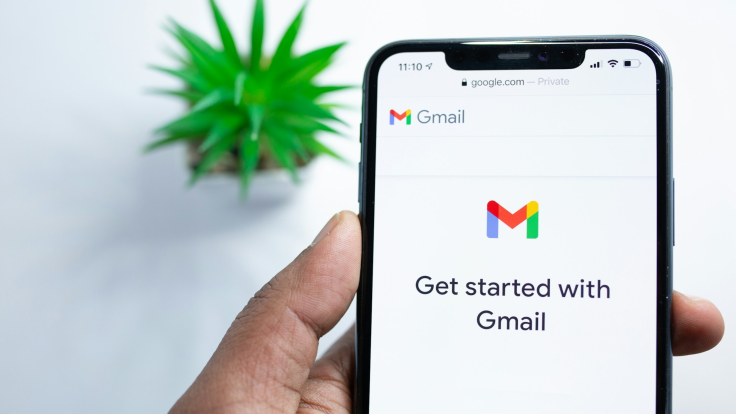
An email address can follow a person for decades. Many Gmail users still rely on usernames created during school years or early internet sign-ups, long before their professional lives began.
Until now, changing that identity still comes at a cost. Users had to open a new Google account and leave behind emails, files, photos, and subscriptions.
That may be about to change. Google has quietly begun rolling out an update that lets users change their Gmail address while keeping the same account.
The feature, discovered in Google's own support documents, signals a rare shift in how the company handles digital identity.
It explains how users can move on from outdated usernames without having to start over.
READ MORE: Google Gmail Data Breach: How To Tell if You've Been Hacked and What to Do
READ MORE: Millions Of Gmail Users On Red Alert: Devastating Effects Could Happen If You Click This Link
You Can Now Change Your Gmail Address
Google is testing a feature that allows users to replace their existing @gmail.com address while keeping the same Google account. The update has not yet been formally announced, but it appears on the official Google Help Centre pages.
In its support documentation, Google states: 'If you wish, you can change the email address of your Google Account, the last part of which is gmail.com.' The guidance currently appears only on Hindi-language support pages, suggesting an India-first rollout.
The change is significant. All existing data remains intact, including Gmail messages, Google Drive files, Photos, subscriptions and settings. Users do not lose access to any linked services, such as YouTube.
The original Gmail address also remains active. It continues to function as an alias, meaning emails sent to both the old and new addresses arrive in the same inbox. In effect, one account gains two Gmail identities.
Google has placed limits on the feature. Users can change their Gmail address once every 12 months, with a maximum of three changes per account. After switching, they cannot register another Gmail address during the waiting period.
The tech giant explains this caution by noting that Gmail addresses are central to account recovery and service access. Since Gmail launched, each account was tied to a permanent email address, making this update a clear break from past policy.
How To Change Your Gmail Address
The feature is being released gradually. Not all users will see the option immediately, and some accounts may not be eligible yet.
Users can check availability by visiting my.account.google.com/google-account-email or clicking here. From there, they should open Google Account settings, select 'Personal info,' then click 'Email' and choose 'Google Account email.'
If the setting cannot be opened, the feature has not reached that account. When available, users can select 'Edit,' enter a new Gmail address that is not already in use, and follow the on-screen steps.
Google sends a verification email to confirm the change. The update is completed only after the verification link is clicked.
Some limitations apply. Work or school accounts require administrator approval. Users who rely on 'Sign in with Google' for third-party sites may lose access and need to recover those accounts separately.
Safety Tips When Updating Gmail Address
Changing a Gmail address affects login details across Google services. This creates an opportunity for scammers who may send fake messages urging users to confirm changes or click login links. Google does not announce account changes through unsolicited emails.
Below are some tips you can follow to protect your data while finally changing that embarrassing Gmail handle.
Use Only Official Google Settings
Legitimate options appear only inside Google Account settings. Any message that asks users to change their Gmail address via external links should be treated as suspicious.
Understand the Risks
A Gmail address is a primary identifier used for account recovery and security alerts. Changing it too often could increase the risk of account access issues or service disruption.
For users eager to update an old Gmail address, the new feature offers long-awaited flexibility.
However, until Google completes its rollout and issues a formal announcement, caution remains as important as convenience.
© Copyright IBTimes 2026. All rights reserved.