

Top AI Software for Home Service Businesses: From First Call to Five-Star Review
A comparison of Workiz, NiceJob, CompanyCam, Housecall Pro and Rilla, with pricing, features and guidance for choosing software by team size
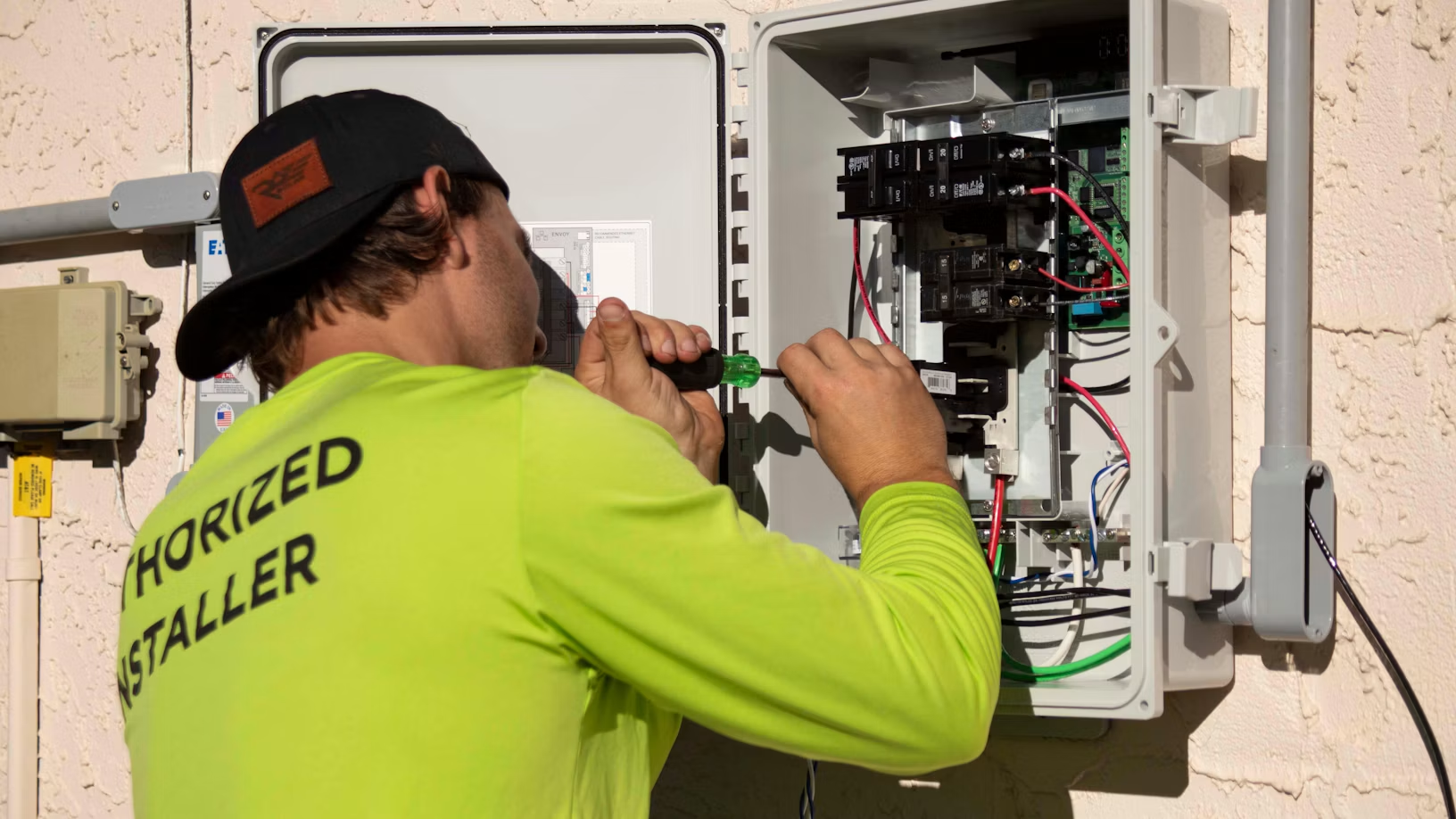
Home service businesses rarely lose jobs to bad work. They lose them to missed calls, slow quotes, and schedules that fall apart when two techs call in sick during a heat wave. AI software now handles much of that front-office load: answering calls after hours, booking jobs straight onto the calendar, routing technicians, and chasing unpaid invoices.
The labour math makes this urgent. The US Bureau of Labor Statistics projects HVAC technician jobs to grow 11% from 2025 to 2035, with about 40,600 openings a year, many left by retirements.
Every hour a skilled tech spends on a phone tag is an hour not billed. Yet small operators are slow to adopt: Census Bureau survey data shows 19.8% of US businesses used AI as of May 2026, under 20% of firms with four or fewer employees did, and use grew only at firms with 20 or more employees.
Below, we compare five software tools that put AI to work across the job lifecycle, from the first call to the kitchen-table sale, plus a team-size guide to help you build a shortlist.
How We Evaluated This List
We evaluated pricing and features against each vendor's official pages in October 2026, and judged every tool on:
- Lead capture: whether the AI answers calls, texts, and web leads and books the job without a person picking up.
- Admin time saved: how much office and field work it removes, from scheduling and invoicing to job reports and checklists.
- Reviews and repeat work: whether it turns finished jobs into reviews, referrals, and rebookings without manual follow-up.
- Sales impact: whether it helps the team close more estimates and raise the average ticket.
- Fit and total cost: pricing transparency, setup effort, and whether a specialised tool connects to an operations platform.
AI Software Tools for Home Service Businesses at a Glance
| Tool | Best For | Pricing Model | Highlights |
| Workiz | Growing, phone-driven field teams (10-50 users) | Quote-based plans, 7-day free trial | Built-in phone, 24/7 Genius Answering, AI scheduling |
| NiceJob | Automating reviews and repeat work | From $75/mo, 14-day free trial | AI review replies, automated review requests |
| CompanyCam | Photo documentation for field crews | From $63/mo billed annually | AI Walkthrough, AI reports and checklists |
| Housecall Pro | Small to mid-sized residential trades | From $59/mo billed annually | CSR AI, online booking, review management |
| Rilla | Teams that sell in the customer's home | Annual per-seat contract | AI virtual ride-alongs and roleplay coaching |
The 5 Best AI Software for Home Service Businesses
1. Workiz
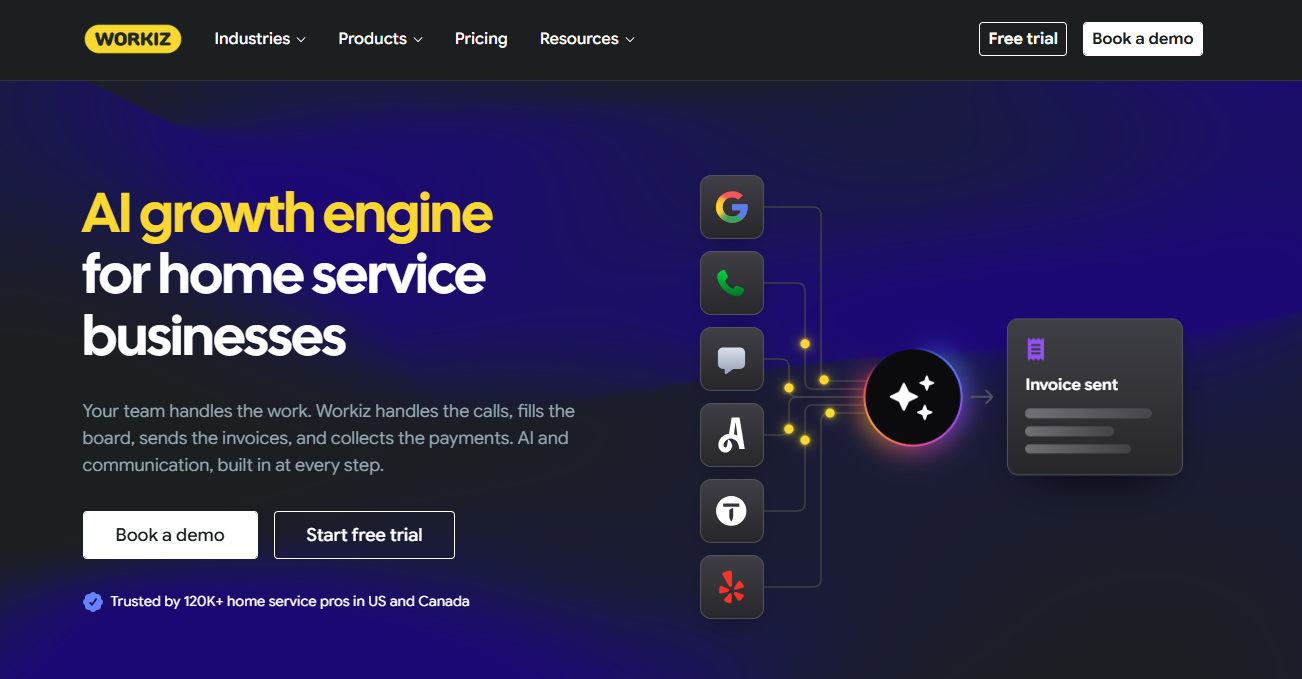
Workiz is an AI field service management platform and growth engine for home service businesses built around an integrated phone system, with an AI layer called Genius that answers, schedules, and markets for you.
Best for: Growing teams of roughly 10 to 50 users in phone-driven trades like HVAC, plumbing, locksmith, and garage door repair.
Key features:
- Genius Answering handles calls, texts, emails, and web form leads 24/7 in English, Spanish, and French, with live transfers to your team
- Genius Scheduling and Genius Leads (Pro plan and up) help book and assign incoming work
- Genius Phone adds call insights, ad tracking, and call flows next to every job
- Genius Marketing runs automated campaigns and review requests from live job data
Why we like it:The phone system and the job board live in one place, so calls, booked jobs, and revenue connect without a third-party integration. For phone-heavy trades, that is the shortest path from a ringing phone to a booked job.
Limitations:
- Pricing is not published, so you need a demo to get a quote
- Genius Phone, Answering, and Marketing are sold as add-ons
Pricing:Standard, Pro, and Ultimate plans are quote-based, with a 7-day free trial. Annual billing saves $400 or more.
2. NiceJob
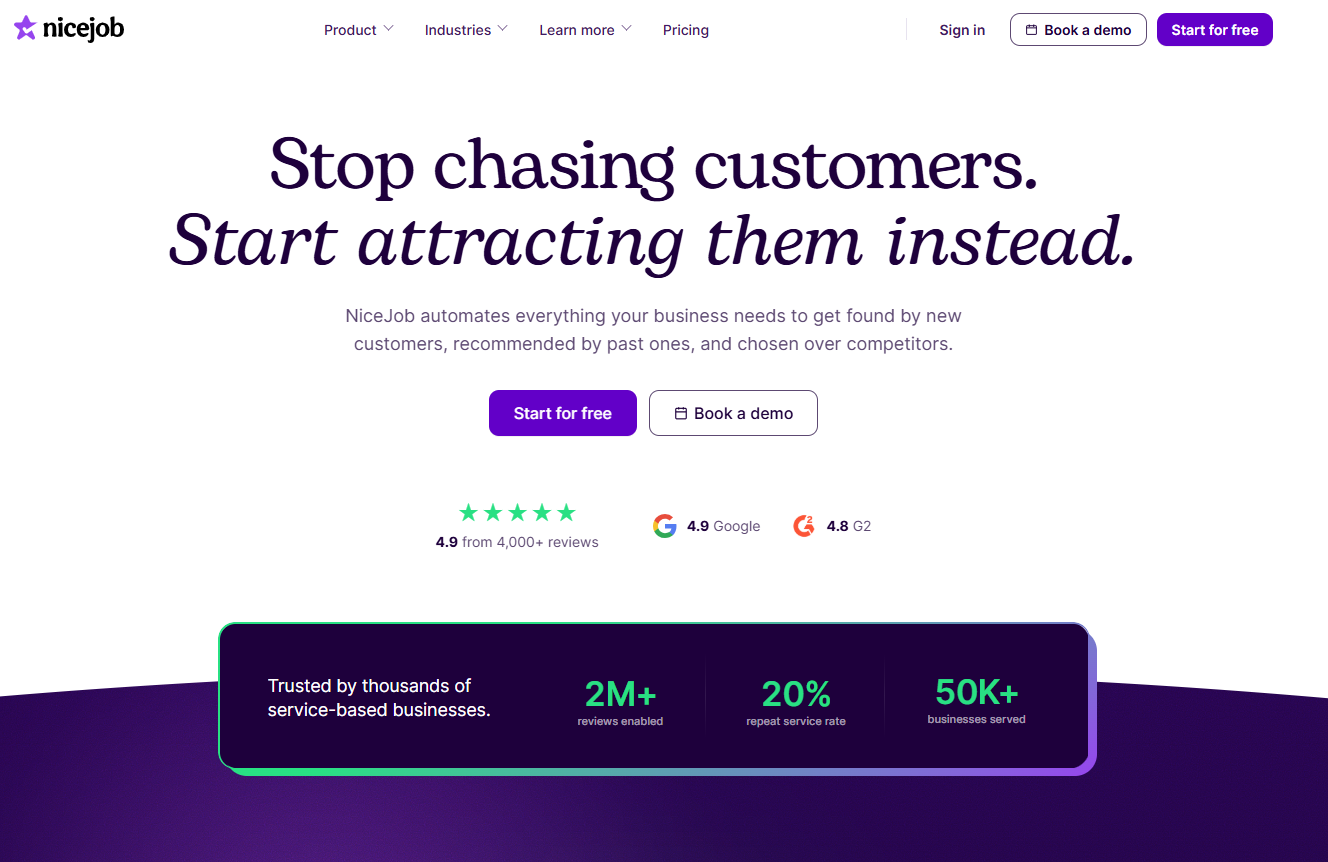
NiceJob is a reputation marketing tool that automates review requests, referrals, and repeat-business campaigns for home service companies.
Best for: Service businesses that do good work but have too few reviews and little repeat business.
Key features:
• AI Replies respond to every customer review in your brand voice (Pro plan)
• Automated SMS and email review requests go out after each job
• Rebooking reminders and referral campaigns bring past customers back (Pro plan)
• Email broadcasts use AI-written copy
Why we like it: It works on the step most teams skip once the job is done. NiceJob integrates with Workiz, so review requests can go out from job data without anyone remembering to send them.
Limitations:
• AI review replies, referrals, and rebooking reminders require the Pro plan
• It does not handle scheduling, dispatch, or invoicing, so you still need an operations platform
Pricing: Starter costs $75/month and Pro $125/month, with a 14-day free trial and no contract.
3. CompanyCam
CompanyCam is a photo documentation app for contractors that uses AI to turn job photos and voice notes into reports, checklists, and captions.
Best for: Field crews and project managers who need proof of work, cleaner handoffs, and fewer disputes about what happened on site.
Key features:
• AI Walkthrough turns a narrated site walk into a written document with organized photos
• AI-powered documents build daily logs, summaries, and progress recaps from job photos
• AI checklists are created by voice instead of typing
• Voice captions and comment translation help crews document jobs faster
Why we like it: Photos settle arguments. CompanyCam integrates with Workiz, so technicians can document every job with photos that managers check without driving to the site.
Limitations:
• AI usage is capped by plan, from 10 credits on Core to unlimited on Scale
• Extra users cost $29 each, which adds up for larger crews
Pricing: Core starts at $63/month billed annually for one user, with Crew at $129 and Scale at $199 for three users each. Annual billing saves 20%.
4. Housecall Pro
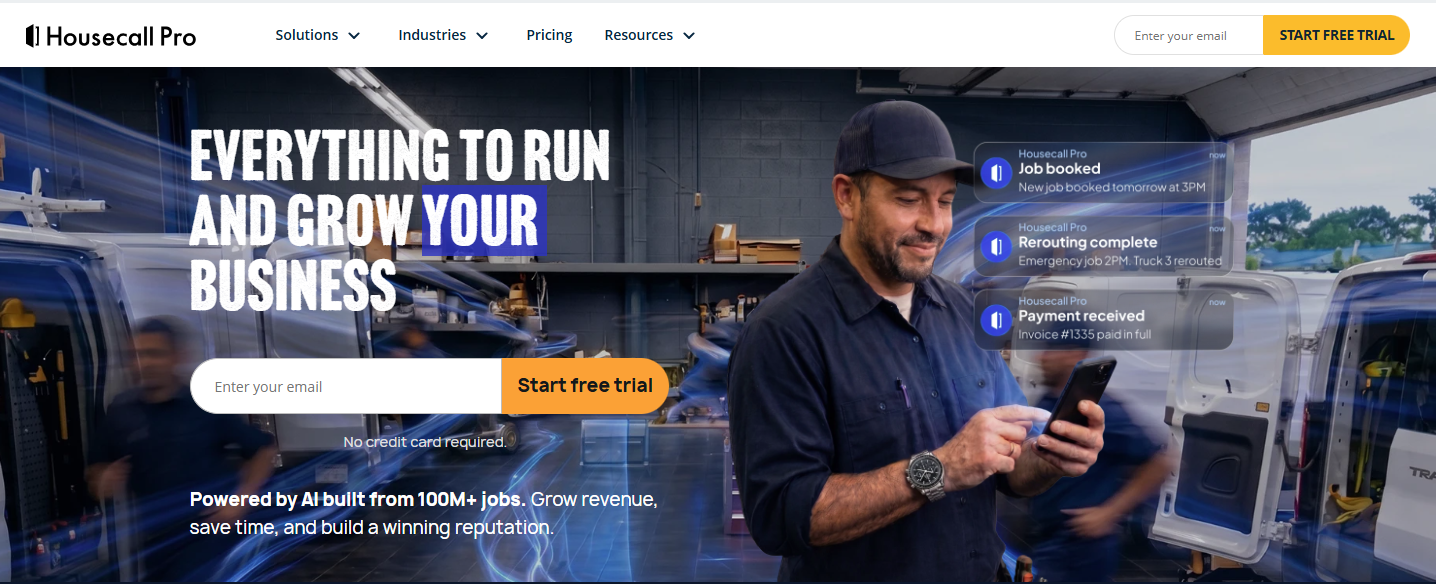
Housecall Pro is an all-in-one platform for residential home service pros, with an AI Team that includes a CSR AI for calls and chat.
Best for: Small to mid-sized residential trades that want fast setup, strong mobile tools, and built-in review management.
Key features:
- CSR AI answers calls and chats and books jobs 24/7
- AI team members, included in every plan, automate routine office work
- Online booking from Google or your website, with automated invoice reminders
- Review management tools to collect and share customer reviews
Why we like it:Housecall Pro covers booking, dispatch, payments, and reviews in one approachable app, and its review tools help smaller teams compete on local search.
Limitations:
- CSR AI, Voice, and Pipeline are listed separately from the core plans, so total cost climbs
- Route optimisation, service plans, and API access are reserved for the Max plan
Pricing:Basic starts at $59/month billed annually ($79 monthly) for one user, Essentials at $149 for five users, and Max at $299 for eight users. There is a 14-day free trial.
5. Rilla
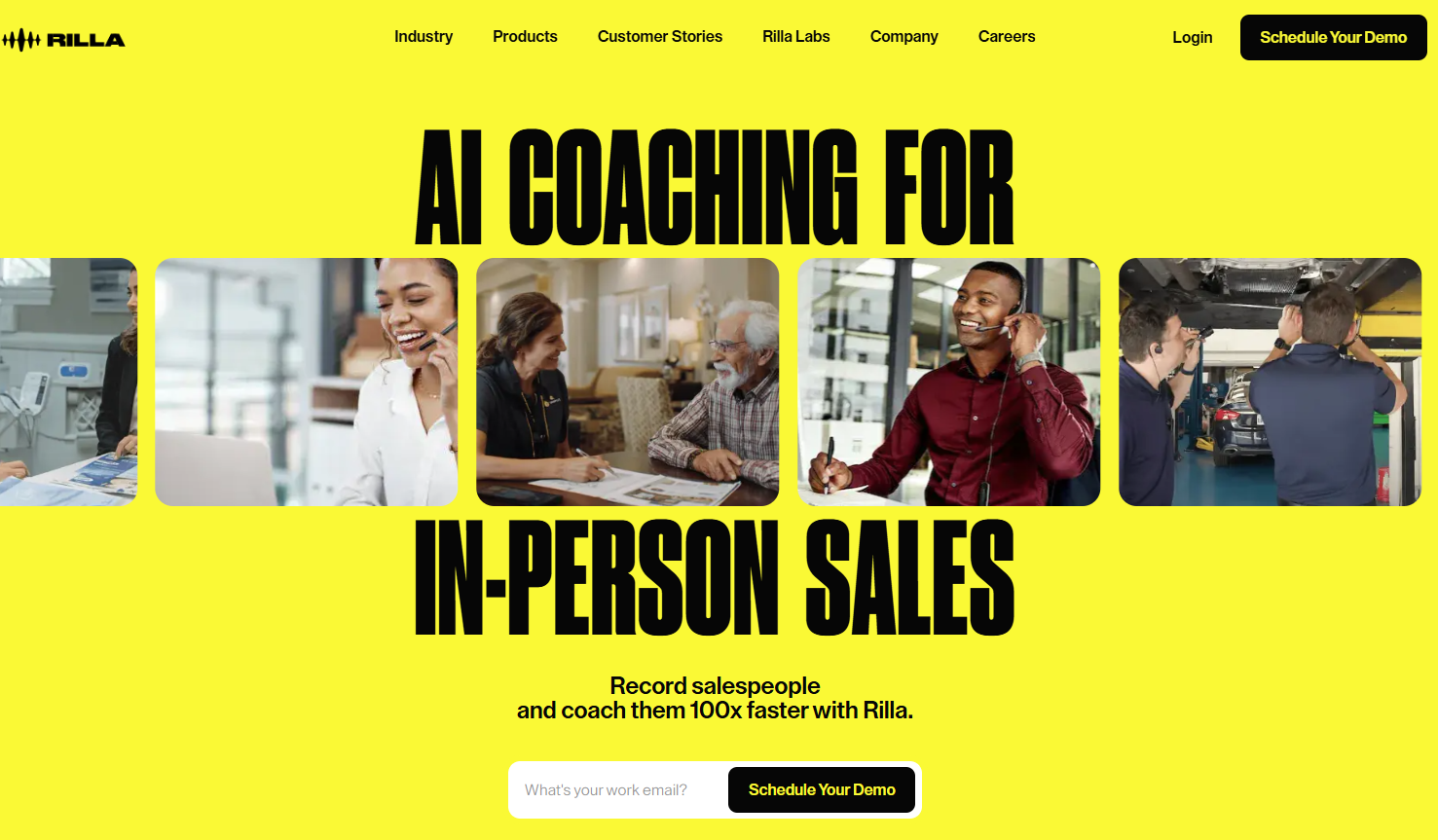
Rilla is an AI coaching platform that records in-person sales conversations and turns them into virtual ride-alongs.
Best for: In-home sales teams in HVAC, roofing, and remodelling, where deals close at the kitchen table.
Key features:
- Mobile recording and transcription of face-to-face sales visits
- AI feedback on every conversation, tailored to your sales process or learned from your top reps
- AI practice roleplays so reps can rehearse objections before the next visit
- Highlights, comments, and analytics so managers coach in minutes instead of hours
Why we like it:It fills a gap the field service platforms leave open. Managers review a short clip instead of losing half a day to a ride-along, and Rilla reports an average 40% lift in close rates across its customers.
Limitations:
- It is not an operations tool, so you still need a field service platform
- Reps needs to record every visit, and some states require customer notice
Pricing:Not published. Third-party estimates from Sacra put it at roughly $4,000 to $5,000 per seat per year, with a five-seat minimum.
Which AI Software Fits Your Team Size
| Problem | Recommended Tool | Starting Price | Why It Fits |
|---|---|---|---|
| Missed calls and slow booking on a growing team | Workiz Pro or Ultimate + Genius Answering | Quote-based | Phone, AI answering, and scheduling in one system as call volume grows |
| A small residential crew needs one simple app | Housecall Pro Essentials | $149/mo for 5 users (annual) | Booking, dispatch, payments, and reviews without heavy setup |
| Too few reviews and little repeat work | NiceJob Pro | $125/mo | AI review replies, review requests, and rebooking reminders |
| Disputes over what was done on site | CompanyCam Crew | $129/mo for 3 users (annual) | AI reports and checklists built from job photos and voice |
| In-home close rates are stalling | Rilla | About 4,000-5,000 per seat/year (estimate) | Coaches the sales conversation your field service platform cannot see |
How To Choose the Right Software
Start with the problem you can measure. If calls go unanswered, track missed enquiries and completed bookings. If the schedule wastes technician time, examine travel and reassignment. If estimates rarely close, review sales conversations before buying another reception tool.
Next, ask each shortlisted vendor to demonstrate the same situations: an existing customer rescheduling, an enquiry outside your service area, and a caller needing a person. Check what appears in the job record afterwards. For Rilla, use a sample sales conversation and evaluate the usefulness of its feedback.
Finally, compare total cost at your expected team size and peak usage. Include setup, required phone services, AI add-ons, and staff time reviewing results. If your current FSM already works well, price its native AI options before funding a migration.
Account for customer-history imports and accounting connections when comparing a switch. Trial one workflow before expanding.
Questions to Ask Before Choosing Software
Answer these before you book a demo. They narrow the shortlist faster than any feature page.
1. Where do we lose the most money today? Missed calls point to AI answering inside your operations platform, such as Workiz Genius Answering. Thin reviews point to NiceJob, disputes over site work to CompanyCam, and low close rates to Rilla.
2. Which tool is our system of record? Pick the operations platform first. Specialised tools work best when they connect to it, the way NiceJob and CompanyCam both integrate with Workiz.
3. Do we need a built-in phone system? A native phone ties every call to a job and a revenue figure, but keeping your existing numbers may mean porting them. Ask how porting works and who owns call recordings if you leave.
4. What will the full stack cost? Add up the platform, each add-on, per-user fees, and payment processing at your next headcount. CompanyCam, for example, charges $29 per extra user.
5. Can we review what the AI sends? Check for live transfer on calls, and ask whether you can approve AI review replies before they post. AI should escalate emergencies and angry customers, not answer them alone.
6. Who will own the adoption? CompanyCam and Rilla only pay off if crews and reps use them on every job. Name an owner, run a free trial on live jobs, and compare results before and after.
Conclusion
The right AI setup starts with one operations platform.
For growing, phone-driven teams, Workiz puts the phone, AI answering, and the job board in one system, and Housecall Pro is a simpler option for small residential crews. From there, add specialised AI where the money leaks: NiceJob for reviews and repeat work, CompanyCam for job documentation, and Rilla for in-home sales.
Start with your biggest bottleneck, price each tool at your next headcount, and run a free trial on live jobs before you commit.
© Copyright IBTimes 2026. All rights reserved.