How AI Is Changing the Way 3D Models Are Created
Browser-based platforms such as Meshy use text and image prompts to create starting assets for games, 3D printing, product visualisation and other applications
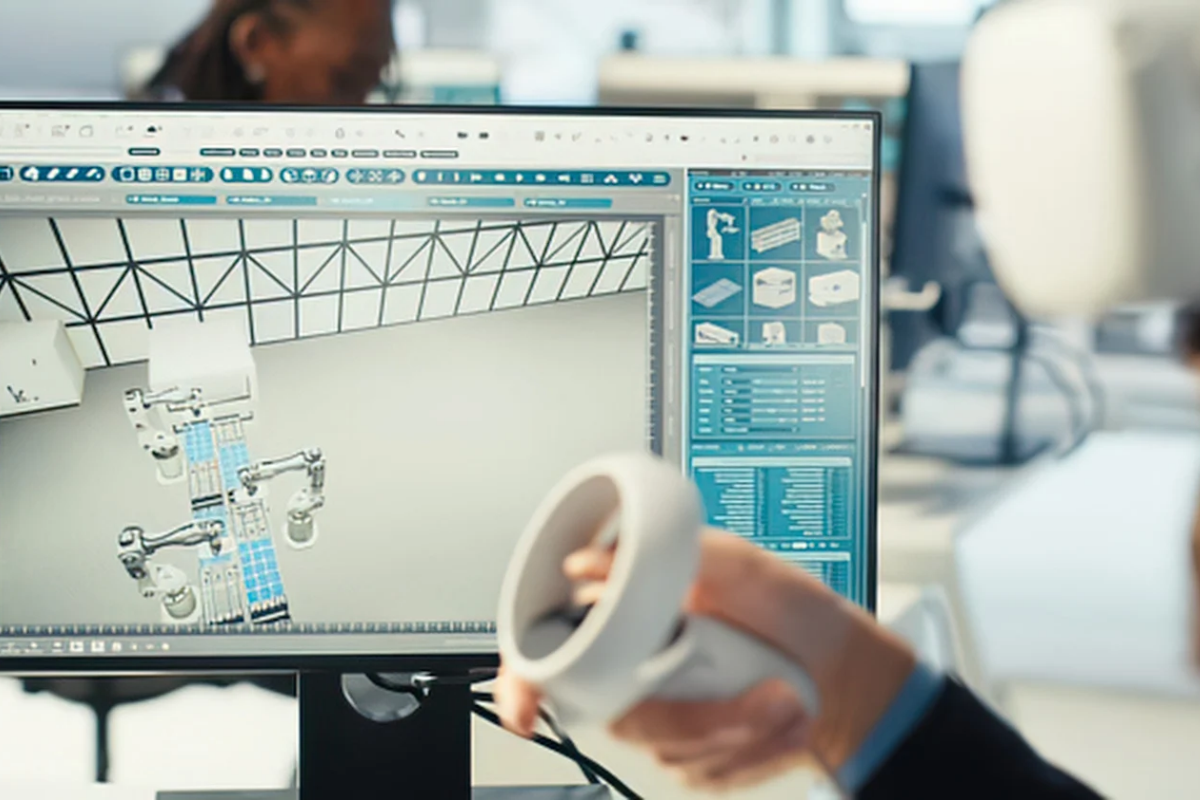
Building a useful 3D model used to mean choosing a modelling program, setting up a scene, building geometry piece by piece, then spending more time on materials and optimisation. AI's changing that whole workflow. Start with something a lot simpler instead — an idea in words, an existing image.
Instead of one long modelling session, AI tools turn early concepts into editable digital assets. From there, they can be reviewed, refined, textured, exported for another application from there.
One platform working in this space is Meshy.
Meshy is one of the leading AI 3D model generators, offering workflows connecting text and images with 3D asset creation directly. It also uses a browser-based approach, so experimenting so it does not require installing traditional desktop modelling software.
What AI-Assisted 3D Generation Actually Is
Machine-learning systems interpret visual or written instructions, constructing three-dimensional geometry from them. A text prompt describes an object by shape, material, style, intended appearance. An image-based workflow gives the system visual information instead, allowing it to infer the object's form from that.
It does not remove human decisions, though. Generated geometry still needs checking, resizing, topology optimisation, texture adjustments and sometimes manual editing.
The real difference is where the process starts. Instead of creating every polygon manually, it starts with an AI-generated draft.
A game designer describes a stylised medieval lantern and uses the resulting model as a prototype. A product designer turns reference photos into an initial three-dimensional representation. A hobbyist creates a figurine concept before prepping it for 3D printing. Different people, same starting shortcut.
How Meshy Connects Text, Images, and 3D
Meshy offers both text-to-3D and image-to-3D generation through a browser interface. Current Text to 3D workflow involves describing an object in a prompt, selecting generation settings, reviewing the resulting model and exporting the finished asset.
For anyone exploring this workflow, a text-to-3D AI generator shows off a real change in traditional modelling. Initial geometry comes from a description now, not from manually constructed primitives.
Image References Give the System a Lot More to Work With
Text communicates an idea well. Some objects are just easier to explain visually, though. Image-to-3D systems let users provide an existing photograph, drawing, or concept image as a reference instead.
Meshy supports multi-image input for its Image to 3D workflow. Multiple views give real additional information about an object's sides, proportions, rear surfaces — a lot more than relying on one photo alone. The current multi-view option supports up to four photos of the same object, one single model built from all of them.
A designer with photos of a physical prototype — front, side, rear, three-quarter angle. Supplying all four views gives an AI system genuinely more evidence about the object's shape than one image ever could.
A Browser-Based Workflow Cuts Setup Time
One notable thing about Meshy — its core generation workflow is browser-based. No conventional 3D modelling package is required just to generate an initial asset. This makes experimenting a lot easier for anyone unfamiliar with specialist 3D software.
A free tier is available too. Explore the generation capabilities before committing to a paid plan. Current documentation says the free plan provides monthly credits, though usage limits and licensing conditions are worth checking against current pricing and terms before planning a project around them.
Worth being clear here — "free" doesn't automatically mean unlimited. AI generation eats real computational resources. Free accounts commonly run within defined usage limits.
From Raw Geometry to a Genuinely Usable Asset
Generating geometry's only one stage of a practical 3D workflow. A model might also need materials, topology adjustments, rigging, an appropriate export format.
Meshy includes AI texturing for adding or modifying surface appearance. Tools for remeshing and animation workflows too — generated assets moving well past the first draft. The broader feature set covers AI image generation and automatic rigging for applicable character workflows.
Export Formats Matter More Than They First Look
A 3D model is rarely the final destination. It might need to enter Blender, a game engine, a web application, an AR project, a 3D-printing workflow — different pipelines, different needs.
Current Meshy documentation lists GLB, FBX, OBJ, STL, USDZ, 3MF — different formats serving different purposes. FBX's common for game-development and digital-content workflows. GLB fits web and real-time applications. STL and 3MF tie to 3D printing specifically.
Multiple export choices mean picking a format based on the next stage of the workflow, not treating the generated model as locked inside one platform forever.
Where AI-Generated 3D Models Actually Get Used
- Game development. Early versions of props, characters, environmental objects, other assets — before deciding which elements deserve extensive manual production.
- 3D printing. AI-generated geometry as a starting point for figurines, decorative objects, prototypes, physical experiments. Geometry still needs checking for printability before manufacturing, though.
- Product visualisation. Early three-dimensional concepts from descriptions or reference imagery. Helps teams discuss shape and appearance before detailed production starts.
- Education and experimentation. Students and beginners explore three-dimensional design without mastering every function of professional modelling software first.
- Design prototyping. Creative teams generate several interpretations of an idea, use them to figure out which direction deserves further development.
Developers Can Connect AI 3D Generation to Software Directly
AI generation gets genuinely interesting once integrated into an existing production pipeline. Meshy offers developer API access — Text to 3D, Image to 3D, texturing, remeshing, animation, image generation. Fold generation capabilities into applications, internal tools, batch workflows, without forcing every user through a browser interface manually.
It is genuinely useful for applications that need a lot of assets generated, or where 3D creation's just one part of a bigger software process.
Meshy's Free 3D Tool Suite
Beyond model generation, Meshy offers browser-based utilities for common 3D file tasks. Format conversion. Online viewing. STL repair. Real practical stuff.
These smaller utilities help when there's already a model that needs inspecting or prepping for another stage. The browser-based toolkit means installing a separate application is not required for every simple conversion or check.
FAQ
Can beginners use AI 3D generation? Yes. Browser-based generation offers a genuinely simpler starting point than traditional modelling software. Experiment with text prompts or images, gradually learn how geometry, materials, topology, file formats actually affect the final result.
Can one image be enough for a 3D model? A single image's a useful reference. Additional views give a lot more information, though. Meshy's current Image to 3D workflow supports multiple photographs of one object contributing to a single model.
Are AI-generated models ready for every project? Not automatically. Generated assets need inspecting for geometry, proportions, topology, textures, technical requirements. A model for a game, a product visualisation, a 3D printer — each one needs different prep.
Does Meshy provide an API? Yes. Developer documentation covers API access for several AI-powered 3D workflows, text-to-3D and image-to-3D included.
What's the main advantage of an AI 3D workflow? Moving from an idea or reference to a usable starting model, without manually constructing the whole asset. Human review and refinement still matter. AI just shortens the distance between a concept and its first three-dimensional representation.
AI 3D generation is best understood as another layer in the creative workflow. Not a complete replacement for modelling expertise.
Tools like Meshy bring text prompts, reference images, texturing, exports, browser utilities, developer access into a much bigger pipeline — real experimentation happening before detailed manual production even begins.
© Copyright IBTimes 2026. All rights reserved.
- Recommended For You