Apple iOS 26.1 adds new Liquid Glass toggle — Users Relieved By Clearer Visuals
Beyond the screen refinements, the update introduces important functional changes

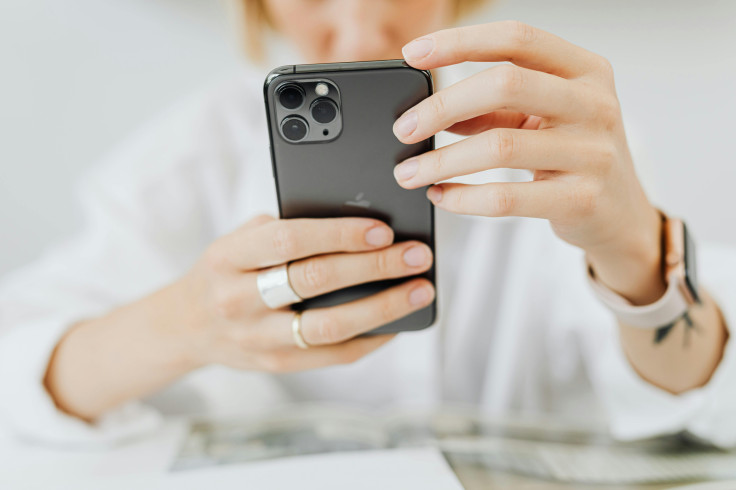
The wait is over. For users seeking a refined visual experience, Apple's latest software update, iOS 26.1, delivers a welcome solution. This release introduces the much-anticipated 'Liquid Glass' toggle, a feature that is already prompting waves of relief among the Apple community. Say goodbye to visual clutter; hello to noticeably crisper, clearer visuals across your devices.
On Monday, Apple formally began the release of iOS 26.1, the initial substantial upgrade for the iOS 26 operating system. This update, launched just over a month after the original debut, introduces various improvements to the user interface, enhanced accessibility features, and expanded language availability for both Apple Intelligence and AirPods Live Translation.
Installation: Compatibility and Steps
In a post on its Support page, Apple confirmed that the new iOS 26.1 software is now available for download for iPhone 11 models and later, as well as the second-generation iPhone SE. Users whose devices qualify can install the update wirelessly by navigating to Settings > General > Software Update.
Disabling the Liquid Glass Look in iOS 26.1
You should ensure your iPhone is running the most recent release of iOS 26 — this means iOS 26.1, rather than the iOS 26.0.1 version you may already have on your device. Once that software is installed on your phone, you can change the appearance of iOS 26 by making a swift adjustment in the settings. Proceed to Settings > Display & Brightness > Liquid Glass.
Inside this menu, there are two choices: Clear and Tinted. Selecting Clear retains the original shiny, glass-like impression, but Tinted reduces it, making the display look less see-through and more understated.
If you select Tinted, the Liquid Glass effect becomes less see-through. This change softens the shiny reflections, giving the screen a more subdued, less distracting appearance. This, in turn, enhances the clarity of the text and ensures a uniform style, regardless of your chosen background.
New Visual Controls and Interface Tweaks
The clearest new feature is a control switch for 'Liquid Glass' opacity. This gives people the power to darken the hue of the see-through element visible in apps and notifications on the Lock Screen. Essentially, this addition is designed for those who prefer a more opaque appearance.
Furthermore, Apple has changed how Alarms and Timers function; they now require a sweeping motion to turn off, which reduces the likelihood of unintentional touching. In addition, users can now disable the Lock Screen Camera swipe action, a feature that security-minded iPhone users have been requesting for a long time.
Subtle, Yet Significant
While the headline feature might be the simple Liquid Glass toggle providing clearer visuals, the real strength of iOS 26.1 lies in these numerous small updates.
From crucial safety enhancements for young users to better audio and control over recording, this update proves that even minor version numbers can bring substantial quality-of-life improvements to your everyday iPhone experience.
Users should feel reassured that alongside the cosmetic changes, meaningful operational tweaks— like the new swipe-to-dismiss alarms — make daily interactions smoother. It's an essential download that fine-tunes the platform, making the user experience noticeably cleaner and more intuitive overall.
© Copyright IBTimes 2026. All rights reserved.
- MOST POPULAR IN Technology