

Top Webcams for Work, Streaming & Online Meetings: Quality Picks You Can Trust
Modern webcams now offer sharper images, better low-light performance and smarter software.
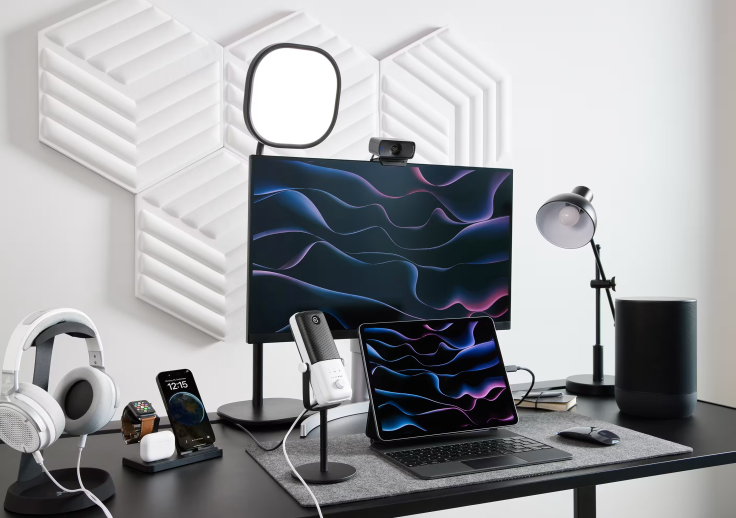
Whether you're joining daily video meetings, streaming on Twitch, recording YouTube content or catching up with loved ones, a reliable webcam can make a remarkable difference. While many laptops include built-in cameras, they often struggle with poor lighting, soft image quality and limited customisation. Investing in a dedicated webcam can instantly elevate how you appear on screen.
Today's webcams offer far more than sharper video. Features such as HDR, AI-powered image enhancement, high frame rates and professional camera controls help users look their best in almost any environment.
So, if you're searching for a webcam that delivers dependable performance, here are our top recommendations.
1. Elgato Facecam MK.2

Looking for a webcam that can comfortably handle work calls during the day and streaming sessions at night? The Elgato Facecam MK.2 is hard to beat.
The webcam records in Full HD 1080p at up to 60fps, offering smooth and detailed footage that looks polished on Zoom, Microsoft Teams, Twitch and YouTube. It also supports HDR, helping preserve clarity in bright windows and darker rooms — so your image remains balanced in challenging lighting conditions.
One of its standout features is the Sony STARVIS CMOS sensor, which captures impressive detail while keeping colours looking natural. Pair that with Elgato's Camera Hub software and you can fine-tune exposure, ISO, white balance and other settings just like you would on a professional camera. Even better, those settings stay saved, so there's no need to readjust everything before each meeting or livestream.
The Facecam MK.2 also includes an 84-degree field of view, a built-in privacy shutter and USB 3.0 connectivity for uncompressed video output. Designed for both client presentations and live streaming, it consistently delivers crisp and reliable performance.
2. Logitech MX Brio
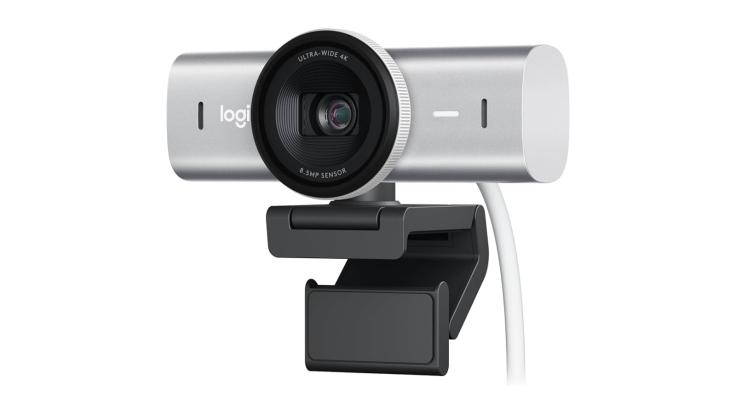
If 4K resolution is high on your priority list, the Logitech MX Brio is a strong contender. It captures highly detailed footage while offering HDR support and AI-powered image enhancements that help maintain colour accuracy during video calls.
The webcam includes flexible field-of-view options, dual beamforming microphones and a magnetic privacy shutter. It's particularly well suited to professionals who regularly attend client meetings or create high-resolution video content.
3. Razer Kiyo Pro
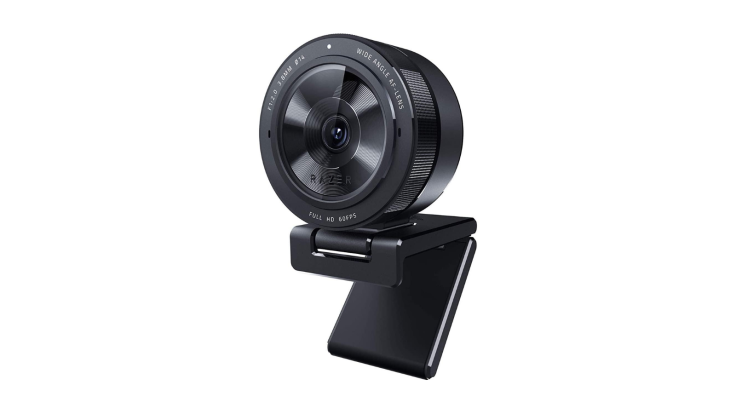
The Razer Kiyo Pro remains one of the strongest performers in low-light conditions. Instead of relying on excessive digital brightening, its larger sensor captures more natural detail when lighting isn't ideal.
Its adaptive light sensor produces cleaner, more balanced footage during evening streams or dimly lit offices. Combined with 1080p60 recording, it provides excellent video quality for gamers and professionals alike.
4. Insta360 Link 2C
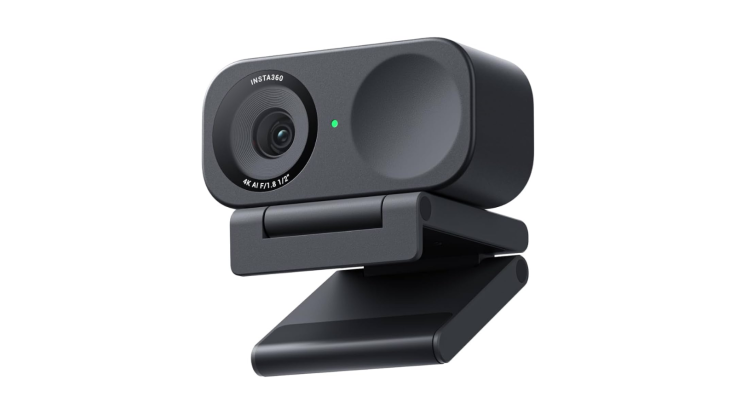
If presentations are a regular part of your day, the Insta360 Link 2C deserves a closer look.
It combines crisp 4K image quality with AI-powered tracking and intelligent framing, helping keep you centred even if you move around during presentations. Gesture controls also make adjusting settings quick and simple, making it particularly useful for teachers, trainers and hybrid professionals.
5. Logitech C920 HD Pro
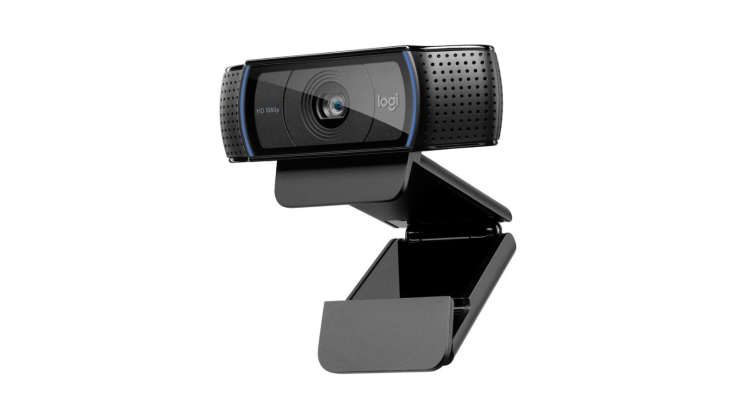
Despite being on the market for years, the Logitech C920 remains one of the best-value webcams available. It offers dependable 1080p video, straightforward plug-and-play installation and solid compatibility across Windows, macOS and most conferencing platforms.
It may lack advanced HDR and creator-focused controls, but for everyday Zoom calls and Microsoft Teams meetings, it continues to bring excellent value.
What to Look for When Buying a Webcam
Choosing the right webcam depends largely on how you'll use it.
If your day revolves around video meetings, look for dependable autofocus, natural colour reproduction and good low-light performance. Streamers and content creators should prioritise higher frame rates, manual camera controls and HDR support.
Privacy features, such as physical shutters, are also increasingly valuable for added peace of mind.
It's equally important to consider software support. The best webcams aren't just about hardware — they also include applications that allow users to customise image settings and maintain consistent video quality across different platforms.
© Copyright IBTimes 2026. All rights reserved.
- Recommended For You


